June 29, 2026
How to Choose a Square–Shopify Sync App (2026 Buyer's Guide)
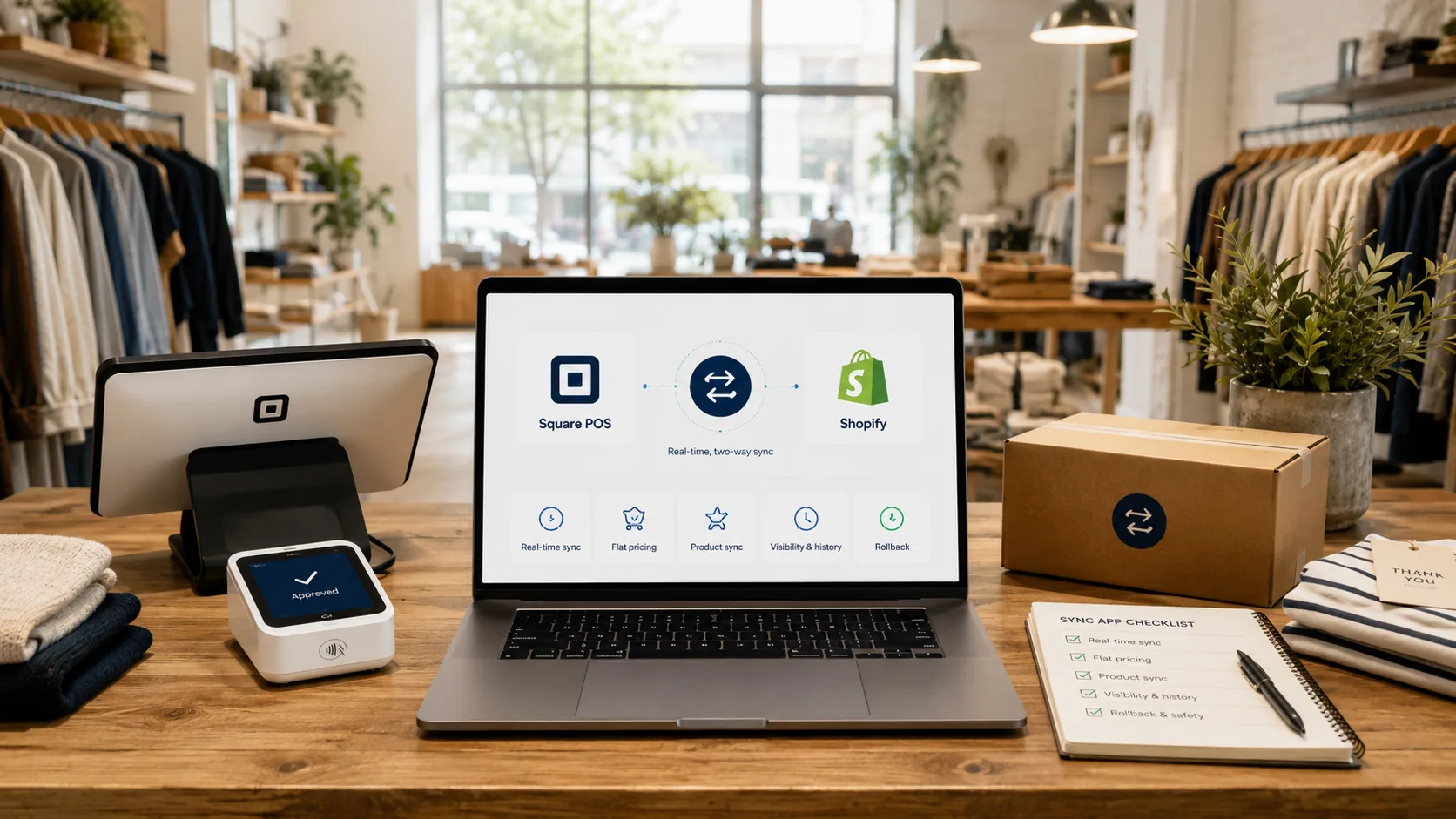
Search for a way to connect Square and Shopify and you'll find a dozen tools that all say the same thing: "real-time inventory sync." On the surface they look interchangeable. They are not. The differences only show up later — usually the first time one of them lets you oversell, or sends you a bill twice the size you expected.
You're trusting one of these tools with your inventory, which is to say with your customers' experience and your own time. So it's worth more than a glance at the pricing page. Here are the seven questions that actually separate a sync tool you can rely on from one you'll be fighting in three months.
1. Does it sync both directions, in real time?
This is the one that matters most, and it's where the surface-level "syncs inventory" claim hides the most.
Some tools only push one way — Square to your store, but not back. Others move both directions but on a timer, checking every few minutes or hours. Both leave a gap. A one-way tool keeps one side honest and lets the other drift. A timer-based tool leaves a window between checks, and overselling lives in exactly that window.
What you want: a sale anywhere updates everywhere, within seconds, automatically. Ask specifically whether sync is two-way and real-time — not "frequent," not "scheduled." (We break down why this matters in how to stop overselling.)
2. Will the price punish a good month?
Look closely at how the tool charges. Some price by order volume — the more you sell, the more you pay. It sounds fair until your best month arrives and the bill jumps with it. You end up penalized for growing, which is backwards.
Flat, capacity-based pricing is the saner model: you pay for the size of your catalog, not the size of your success. A great December costs the same as a slow February. Before you commit, map the pricing against where your business will be in a year, not just where it is today.
3. Is sync the product, or a side feature?
This one's easy to miss. Some sync tools are free apps built by companies whose actual business is something else entirely — digital downloads, license keys, a dozen other integrations. The Square sync is a checkbox in their catalog, not their reason for existing.
A free side-feature gets side-feature attention: limited development, slow fixes, and a roadmap driven by someone else's priorities. When the tool that guards your inventory is an afterthought for the company that makes it, that's a risk you carry. Prefer a tool where sync is the product and the company lives or dies on getting it right.
4. Does it create products, or only update numbers?
Read the fine print on what "sync" actually covers. Many tools only update quantities on products that already exist on both platforms. That means every time you add a new product, you're still building it twice by hand — once in Square, once in your store — and only then does the tool start tracking it.
The stronger approach is true product sync: add an item on one side and it's created on the other, automatically, with its details intact. That's the difference between a tool that saves you work and one that just watches numbers you still have to set up yourself.
5. How does it handle conflicts and sync loops?
When two systems update each other, two failure modes lurk. A conflict — both sides changed at once, which number wins? And a loop — System A updates B, which echoes back to A, forever, corrupting counts along the way.
Good tooling handles both invisibly: it resolves conflicts sensibly and guards against feedback loops so you never think about them. Weaker tools either make you manually pick a winner every time, or quietly let loops scramble your inventory. Ask how conflicts are resolved and whether loop protection is built in.
6. Can you see and fix things yourself?
When something doesn't sync, what happens next? With some tools, the answer is "open a support ticket and wait," because you have no visibility into what went wrong and no way to fix it yourself. That's fine until it's your busiest day and a product's stuck.
The better setup gives you a clear view — what synced, what didn't, and why — plus the ability to correct it on your own. Twenty-four-seven chat support is nice to advertise, but needing it constantly is the real tell. The goal isn't great support; it's rarely needing support at all.
7. What happens when something goes wrong?
No tool is perfect, so the real question is recoverability. If a bad sync pushes wrong numbers, can you undo it? Tools with sync history and one-click rollback let you reverse a mistake in seconds. Tools without it leave you reconstructing your inventory by hand.
Ask whether there's a history of changes and a way to roll back. It's the feature you hope to never use and are deeply grateful for the one time you do.
Putting it together
Run any Square–Shopify sync tool through these seven questions and the field narrows fast. The pretty pricing pages start to look different once you ask whether sync is truly two-way and real-time, whether the price stays sane as you grow, whether sync is the company's actual focus, and whether you can see and fix and undo things yourself.
This is exactly the checklist OneKeepr was built to pass: real-time, two-way sync; flat pricing that doesn't climb with your order count; true product sync, not just quantity updates; built-in loop protection; full visibility; and one-click rollback. It's the tool we wanted to exist when we were running a store ourselves — so we built it to answer every one of these questions the right way.
If you're ready to set it up, start with how to connect Square to Shopify (or Square to BigCommerce if that's your platform), and clean up your SKUs first so everything matches — here's how to line up your Square and Shopify SKUs.
FAQ
What's the most important feature in a Square–Shopify sync app? Real-time, two-way sync. If a sale on either side doesn't update the other within seconds, you'll oversell. Many tools only sync one direction or run on a delay, which leaves the gap open.
Why do some sync apps get expensive as I grow? Because they price by order volume — the more you sell, the more you pay, so a strong month brings a surprise bill. Flat, capacity-based pricing keeps your cost predictable no matter how busy you get.
Is a free Square sync app good enough? Free tools are often side projects from companies whose main business is something else, and they tend to focus on one-time import/export rather than always-on sync. For a store you depend on, reliability matters more than free.
Does the sync app create new products, or only update stock? Many only update quantities on products that already exist on both sides. The stronger tools also create a product on one platform when you add it to the other, so you're not rebuilding every new item twice.
How important is support for a sync app? It matters, but the better question is whether you need it at all. A tool that's reliable and lets you see and fix things yourself beats one where every problem means opening a ticket and waiting.
Stop comparing pricing pages and start asking the right questions. See how OneKeepr answers all seven — real-time two-way sync, flat pricing, and one-click rollback. Your free trial runs for 7 days.